> For the complete documentation index, see [llms.txt](https://docs.blanksquare.io/llms.txt). Markdown versions of documentation pages are available by appending `.md` to page URLs; this page is available as [Markdown](https://docs.blanksquare.io/web-app-user-guide.md).
# Web App – User Guide
Using Common Web App on Testnets
### How to Use the Common Web App on Testnet
Follow these steps to get started with shielding your assets on testnet:
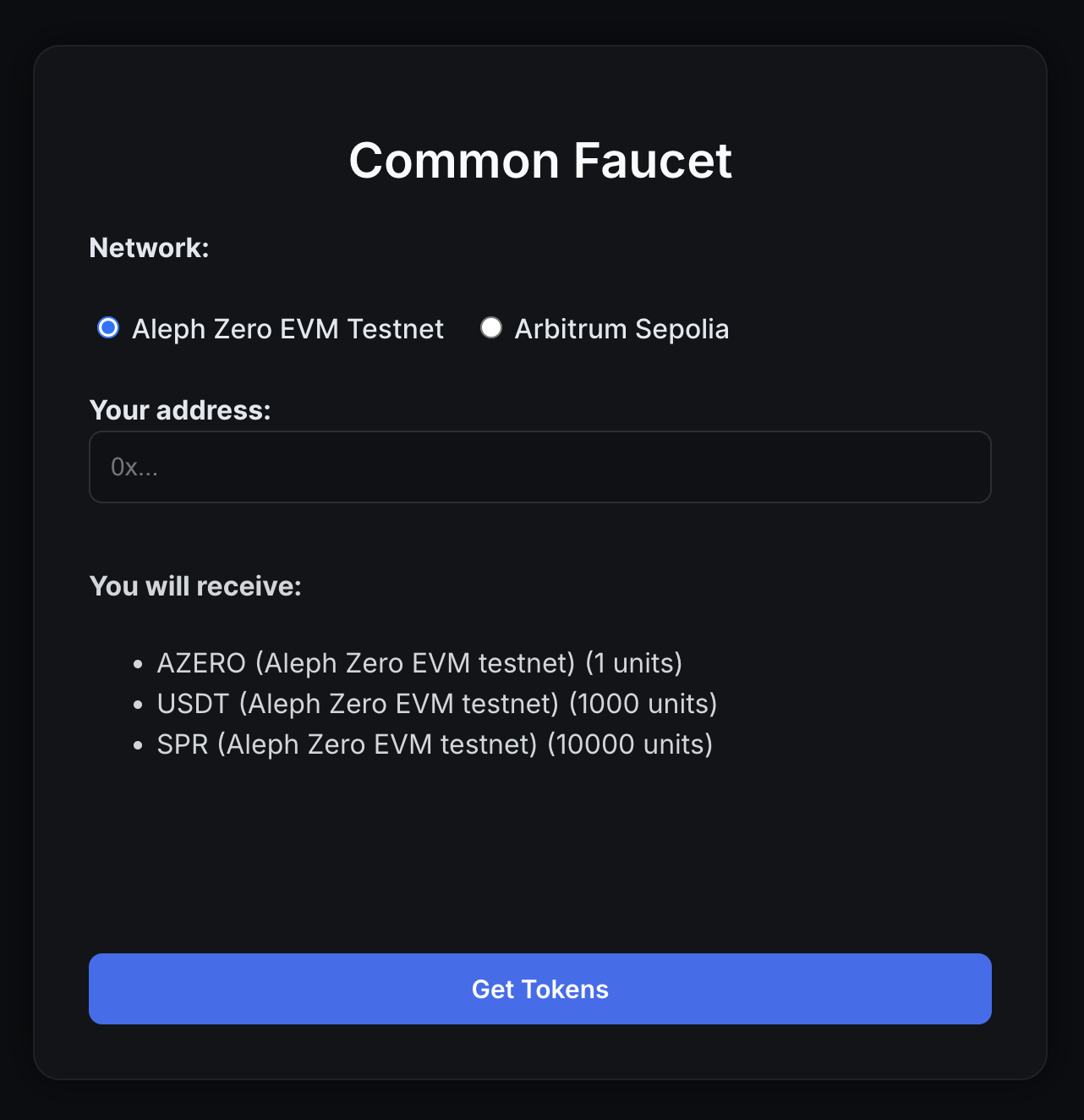
#### 1. Get testnet tokens
* Visit the [Common Faucet](https://shielder-faucet.vercel.app/)
* Select your desired network: **Aleph Zero EVM** **Testnet** or **Arbitrum Sepolia.**
* Paste your EVM address
* Click **“Get tokens”**
> 💡 Note: Some ERC-20 tokens–e.g. SPR (Spring)–might not show up automatically in your wallet, but they will be visible in the Common Web App.
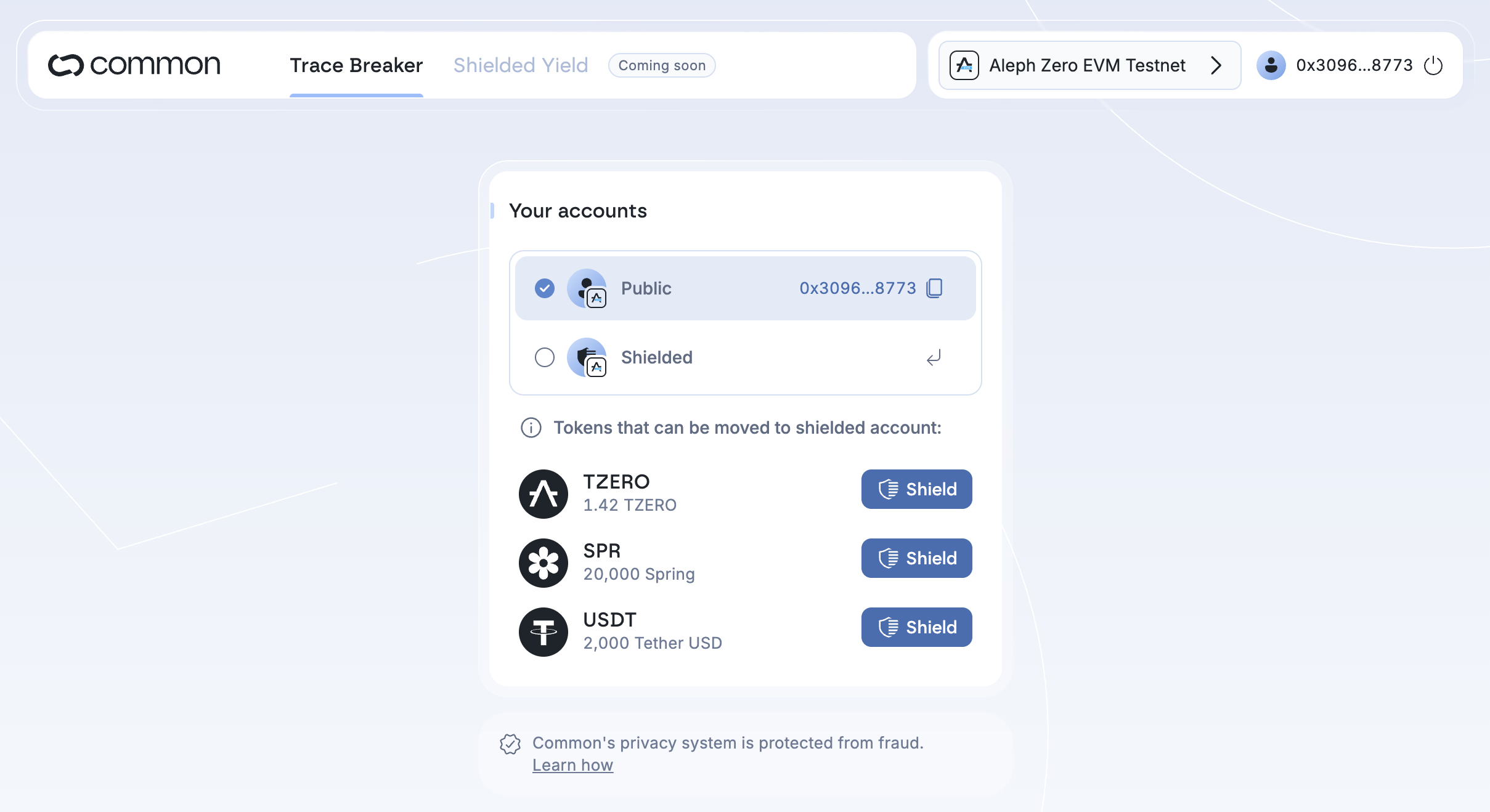
#### 2. Shield your tokens
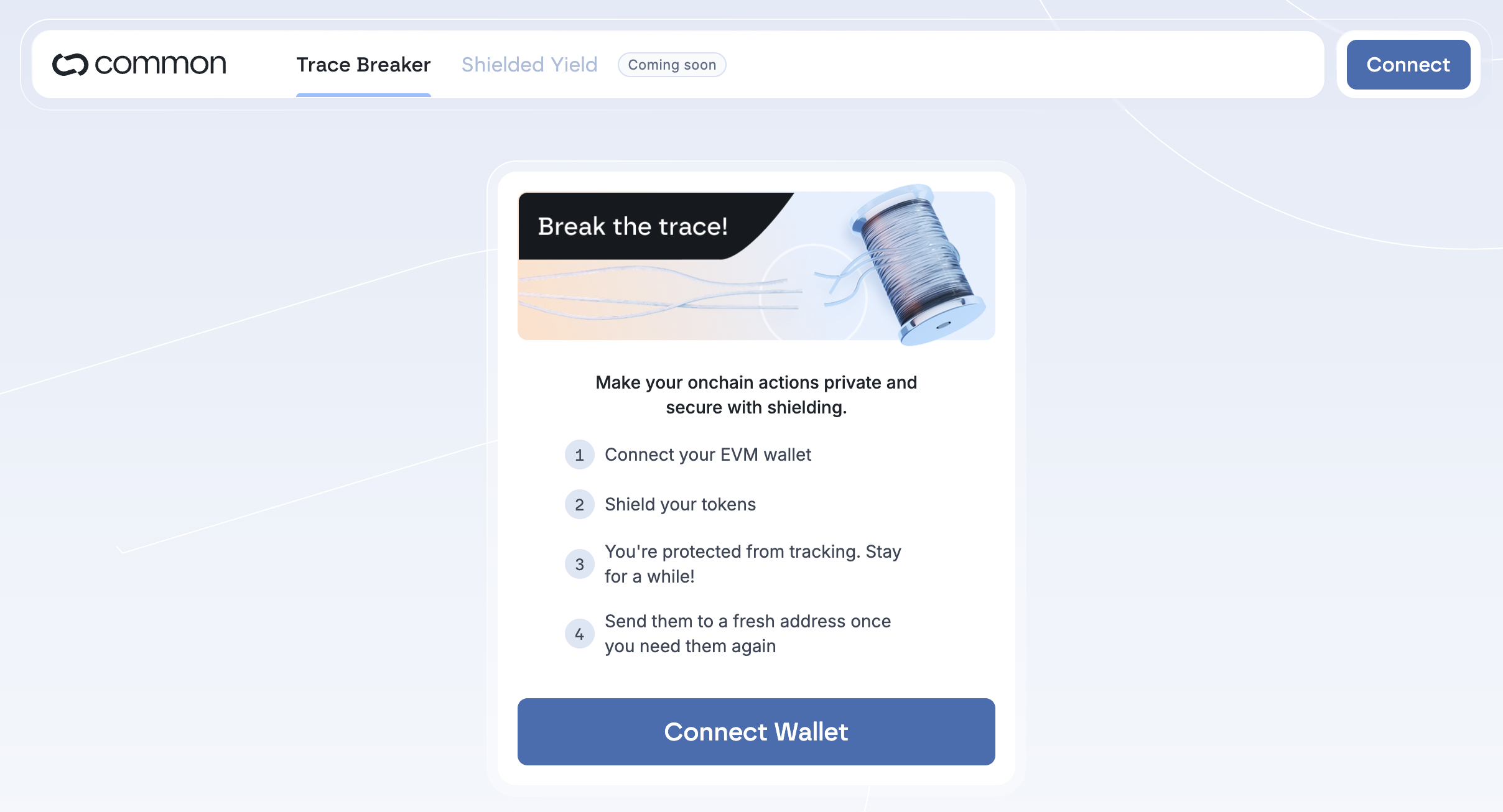
* Go to [app.common.fi](https://app.common.fi/)
* Connect your wallet. If this is your first time with a specific account, you need to sign a message in your wallet that will create the shielded account.
* Choose the token and amount you want to shield
* Approve the transaction in your wallet
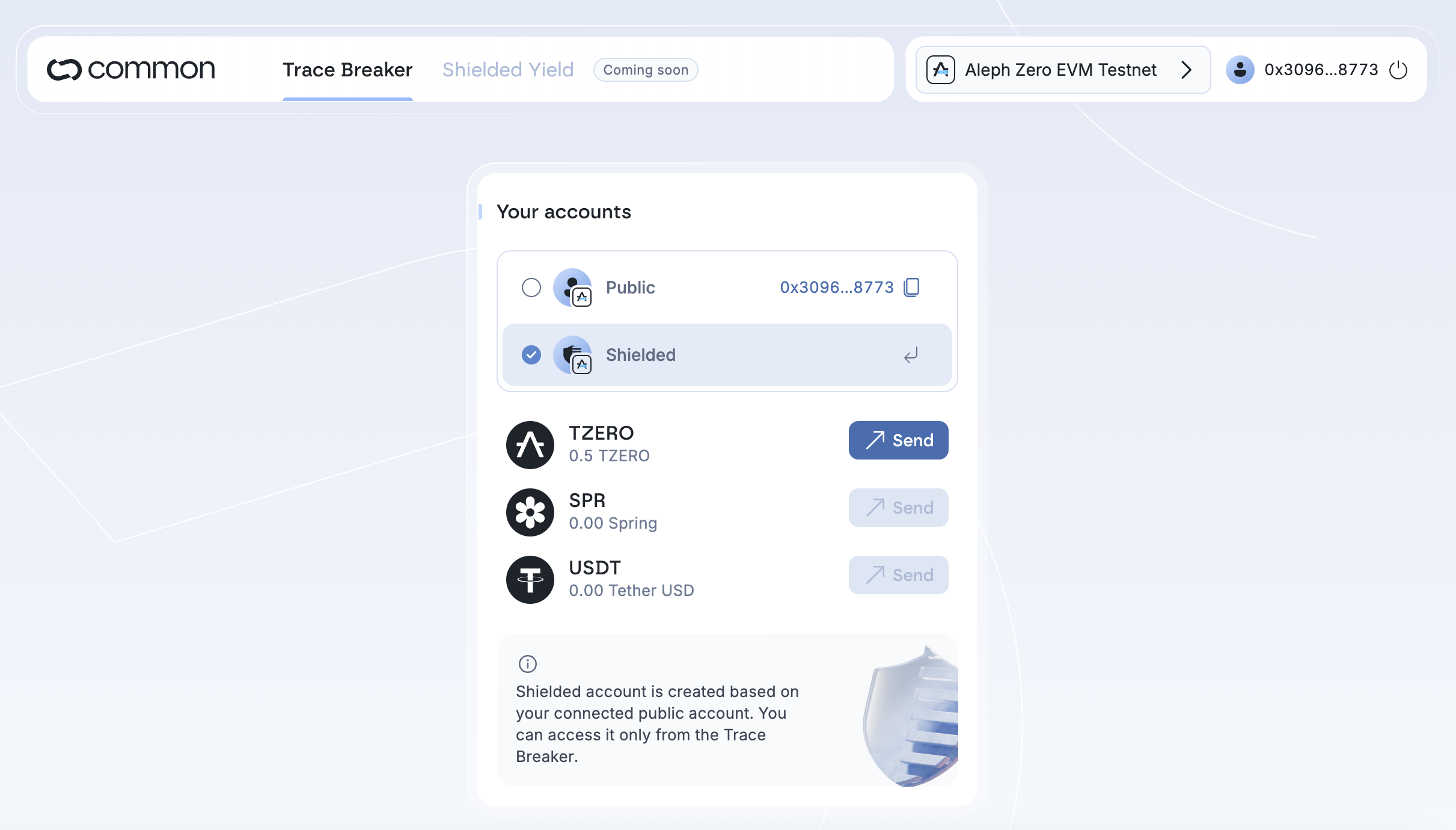
#### 3. Manage your shielded balance
* After shielding, check your balance on your shielded account
* You can now send the tokens from the shielded account to another address
> 🔐 For the best privacy, we recommend withdrawing to a new wallet address.
**List of compatible wallets:**\\
1. ✅ MetaMask
2. ✅ Ledger via Metamask
3. ✅ Coinbase Wallet
4. ✅ Talisman
5. ✅ Rabby
6. ✅ Rabby Mobile
7. 🟡 Ledger via Ledger Live (works only on Arbitrum Sepolia)
8. 🟡 Nova Wallet *(works if you add the testnet networks)*
9. 🟡 SubWallet *(works on Aleph Zero EVM Testnet)*
10. 🟡 *Trust Wallet (only Aleph Zero EVM Testnet)*